













































































Artificial intelligence has rapidly changed the way people create content. What once took hours of brainstorming, drafting, editing, rewriting, and content copywriting can now be done in minutes with the help of AI writing tools. These tools are used by bloggers, digital marketers, content copywriters, students, educators, startups, and large businesses to speed up the writing process, generate ideas, and improve overall content quality.
However, many beginners feel overwhelmed by the number of tools available. Some are free, some are freemium, and others require paid subscriptions. Each tool serves a different purpose, and not all of them are suitable for every user, especially when it comes to specialized needs like marketing copy, SEO writing, or long-form content creation.
This guide is designed to help you understand what AI writing tools are, how they work, and which free or freemium tools are worth using. You will also learn how to use AI responsibly, how to optimize AI-generated content for SEO, and how to choose the right tool based on your content copywriting and writing goals.
What Are AI Writing Tools?
AI writing tools are software applications powered by machine learning models that can understand and generate human-like text. These tools are trained on large datasets of language patterns, grammar, and contextual relationships between words.
Instead of writing everything from scratch, users provide a prompt or instruction, and the AI produces a draft or suggestion. For example, you might ask an AI tool to write a blog introduction, generate product descriptions, create social media captions, or summarize a long document.
How AI Writing Tools Help With Content Creation
AI writing tools can support a wide range of content tasks, including:
- Writing blog posts and articles
- Creating social media captions
- Drafting marketing copy
- Writing email campaigns
- Generating product descriptions
- Creating video scripts
- Rewriting or paraphrasing content
- Improving grammar and tone
- Summarizing long content
These tools are not meant to replace human writers. Instead, they act as assistants that help speed up ideation, reduce repetitive work, and provide structure for content.
Best Free and Freemium AI Writing Tools
If you are new to AI writing tools, it is best to start with free or freemium options. These allow you to experiment, learn, and understand how AI can fit into your workflow before committing to a paid plan.
1. ChatGPT (Free Version)
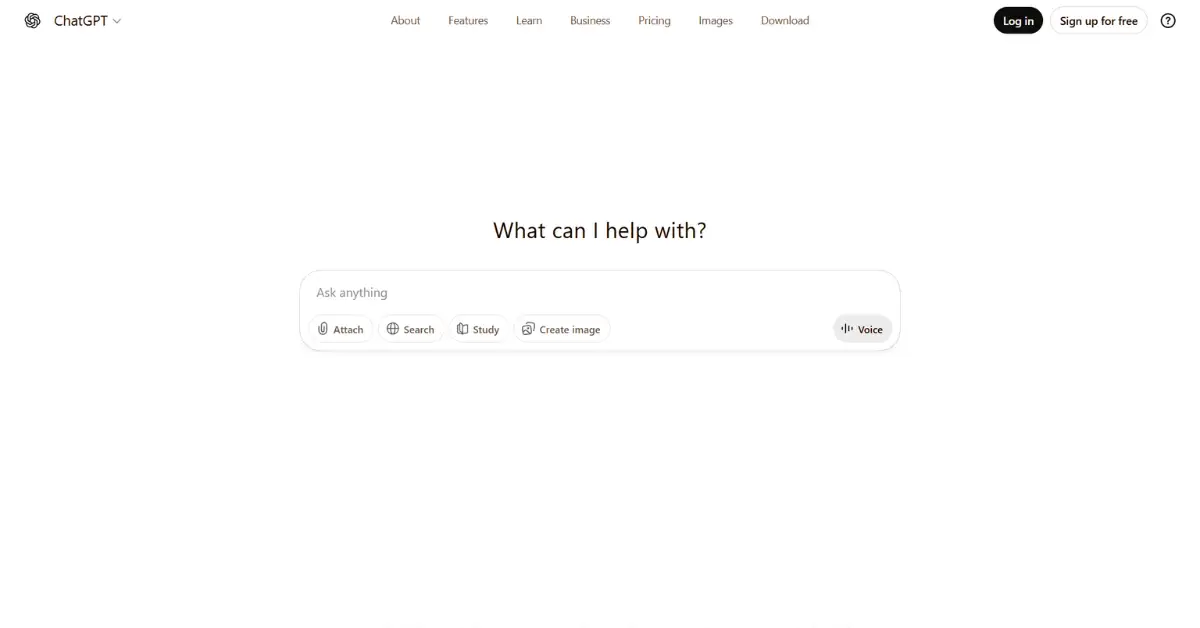
ChatGPT is a conversational AI developed by OpenAI. The free version runs on the GPT-3.5 model and can generate text, answer questions, brainstorm ideas, and help with rewriting.
Key features:
- Conversational interface
- Supports multiple content formats
- Can brainstorm, summarize, and rewrite
- Easy to use for beginners
Best for: Blog drafts, content ideas, outlines, emails, social media posts, and general writing assistance.
How to use:
- Visit chat.openai.com
- Create a free account
- Enter a prompt such as “Write an introduction for a blog about digital marketing”
- Review the output
- Refine by asking follow-up questions
Limitations:
- Uses GPT-3.5, not the latest model
- Can generate inaccurate information
- No built-in plagiarism checker
- May struggle with long-form consistency
2. Google Gemini
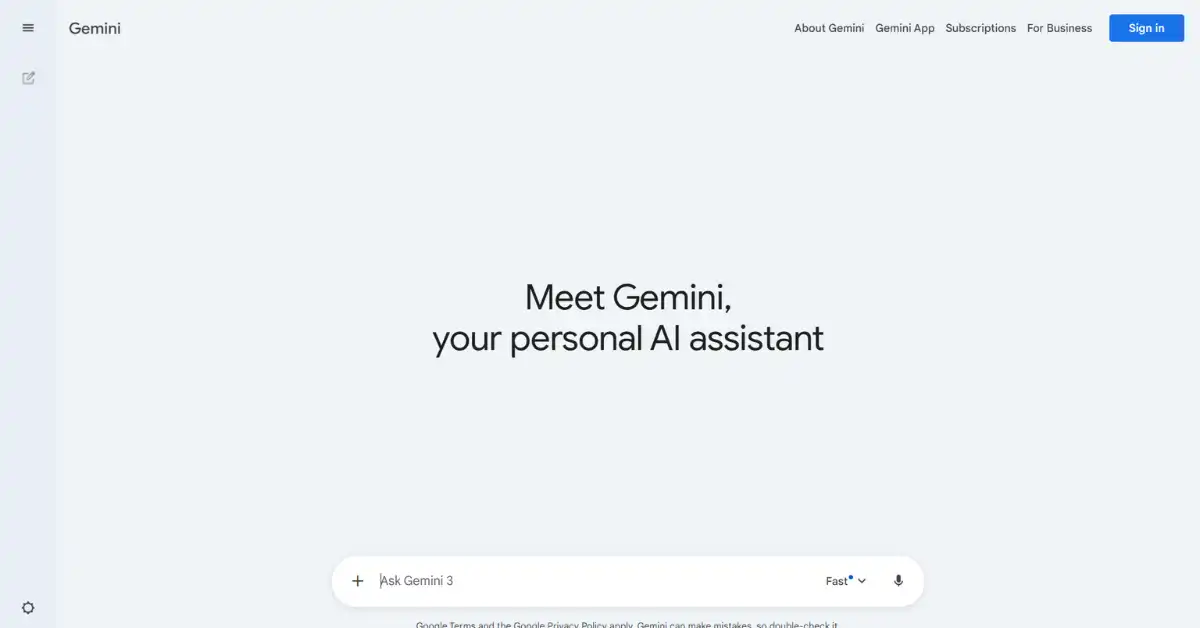
Google Gemini is Google’s AI-powered chatbot designed to generate content and answer questions using up-to-date information from the web.
Key features:
- Free to use
- Access to current web data
- Simple conversational interface
- Supports follow-up prompts
Best for: Research-based writing, idea generation, summaries, and quick drafts.
How to use:
- Go to bard.google.com
- Log in with your Google account
- Enter a prompt
- Review the response
- Ask follow-up questions
Limitations:
- Can provide inaccurate or incomplete information
- Less polished writing style than some competitors
- No advanced editing tools
3. Bing Chat (Microsoft Copilot)
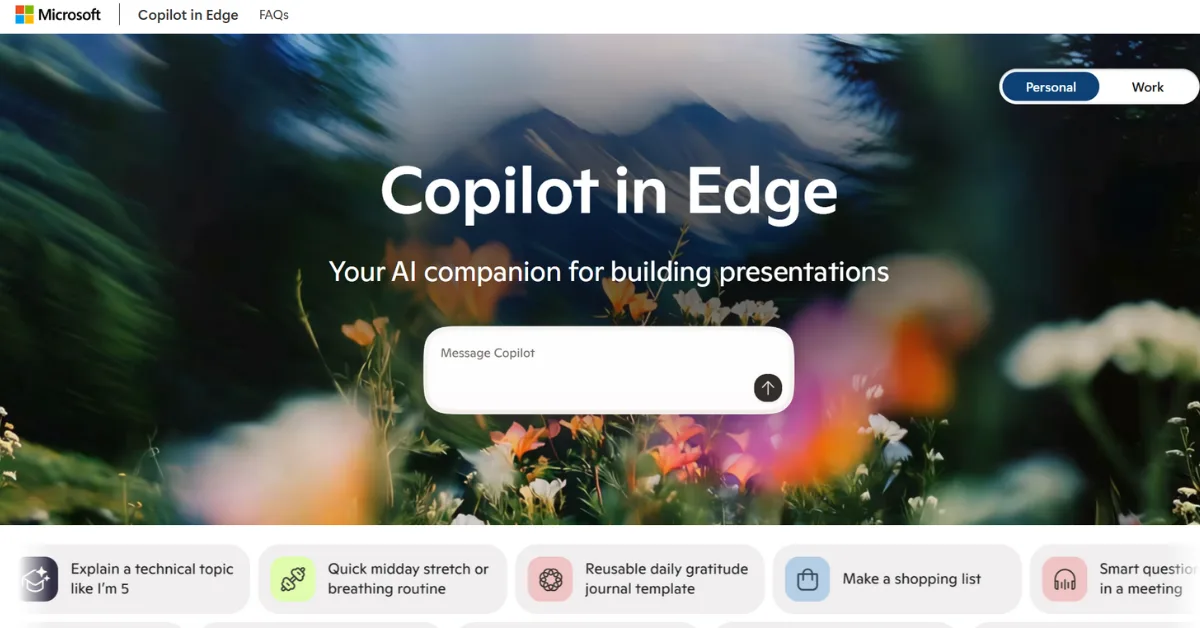
Bing Chat is an AI-powered chatbot integrated into Microsoft Bing and Edge. It uses GPT-4 and includes web browsing capabilities.
Key features:
- GPT-4 powered
- Free access
- Web source citations
- Real-time browsing
Best for: Research, content drafting, fact-checking, and SEO-related tasks.
How to use:
- Visit bing.com/chat
- Log in with a Microsoft account
- Enter your prompt
- Review and refine
Limitations:
- Daily usage caps
- Interface is less intuitive for some users
- Not ideal for very long content drafts
4. Copy.ai
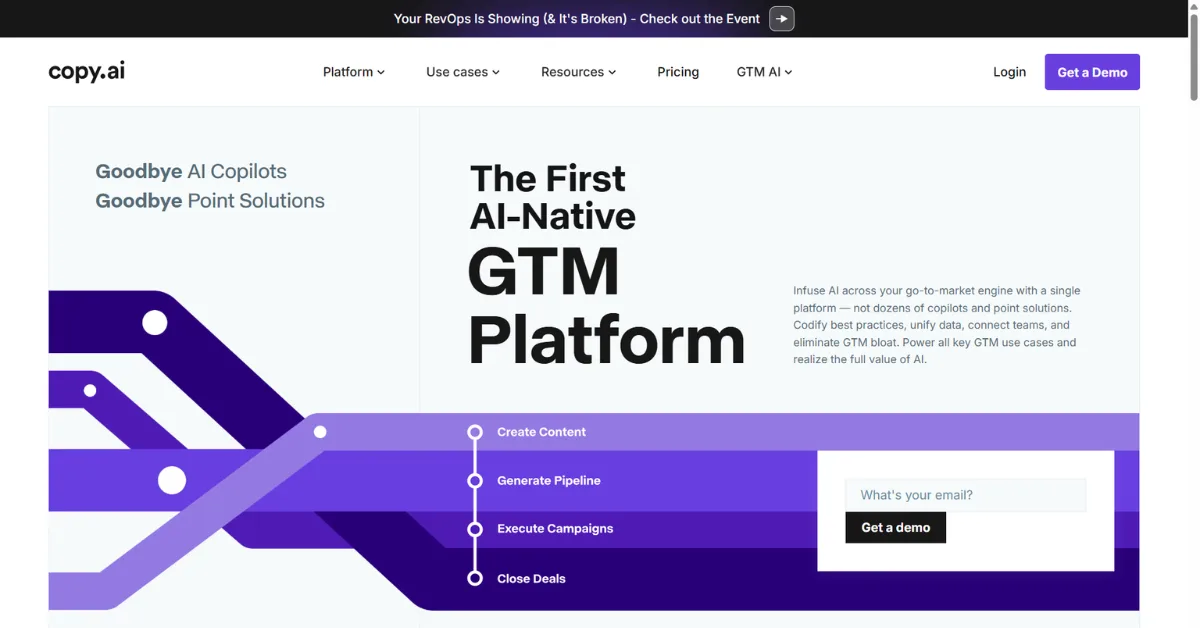
Copy.ai is a freemium AI writing platform designed mainly for marketing and sales content.
Key features:
- 2,000 free words per month
- Dozens of templates
- Chat-based content creation
- Brand tone settings
Best for: Marketing copy, social media posts, product descriptions, and blog ideas.
How to use:
- Sign up at copy.ai
- Choose a template or open chat
- Enter your prompt
- Generate content
- Edit and export
Limitations:
- Monthly word limit
- Not ideal for long-form articles
- Advanced features are paid
5. Writesonic
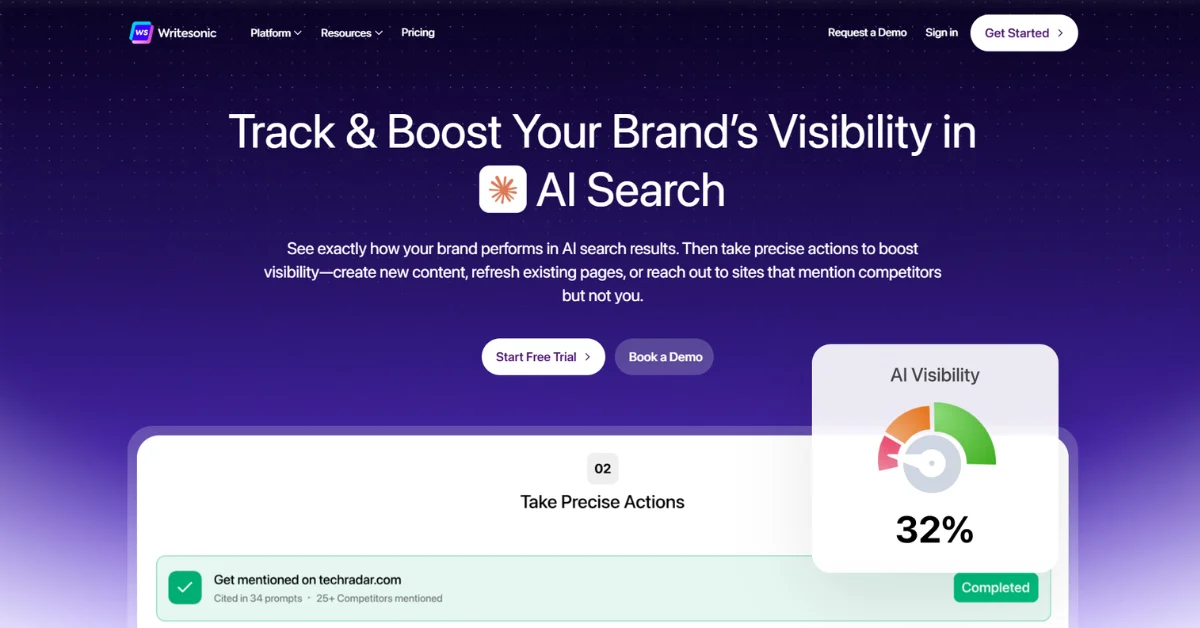
Writesonic is a content generation tool with SEO-focused features.
Key features:
- AI article writer
- Chat interface
- SEO optimization tools
- Free credits on signup
Best for: Blog posts, landing pages, ad copy, and product descriptions.
How to use:
- Create a free account
- Select a tool
- Enter your topic
- Generate content
- Review and edit
Limitations:
- Limited free credits
- Long-form writing requires paid plan
6. Rytr
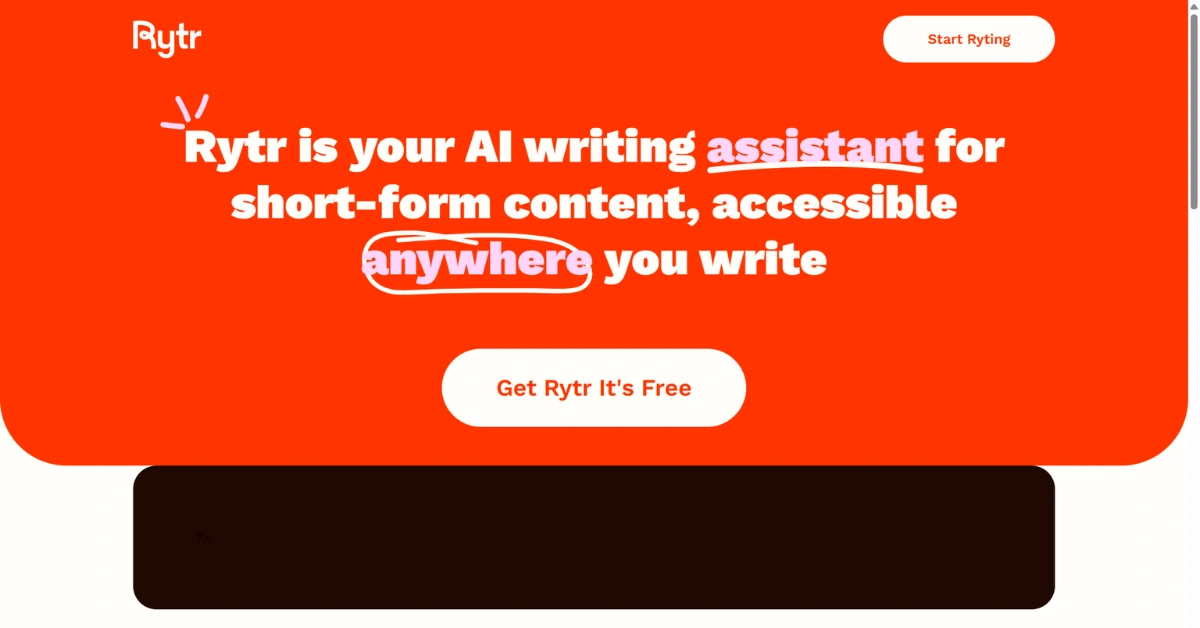
Rytr is a lightweight AI writing assistant with predefined templates.
Key features:
- 10,000 free characters per month
- Multiple tone options
- Built-in plagiarism checker
- Simple interface
Best for: Short-form content, intros, captions, ad copy, and brainstorming.
How to use:
- Sign up at rytr.me
- Choose a use case
- Enter details
- Select tone
- Generate
Limitations:
- Monthly character cap
- Not ideal for long content
7. Grammarly
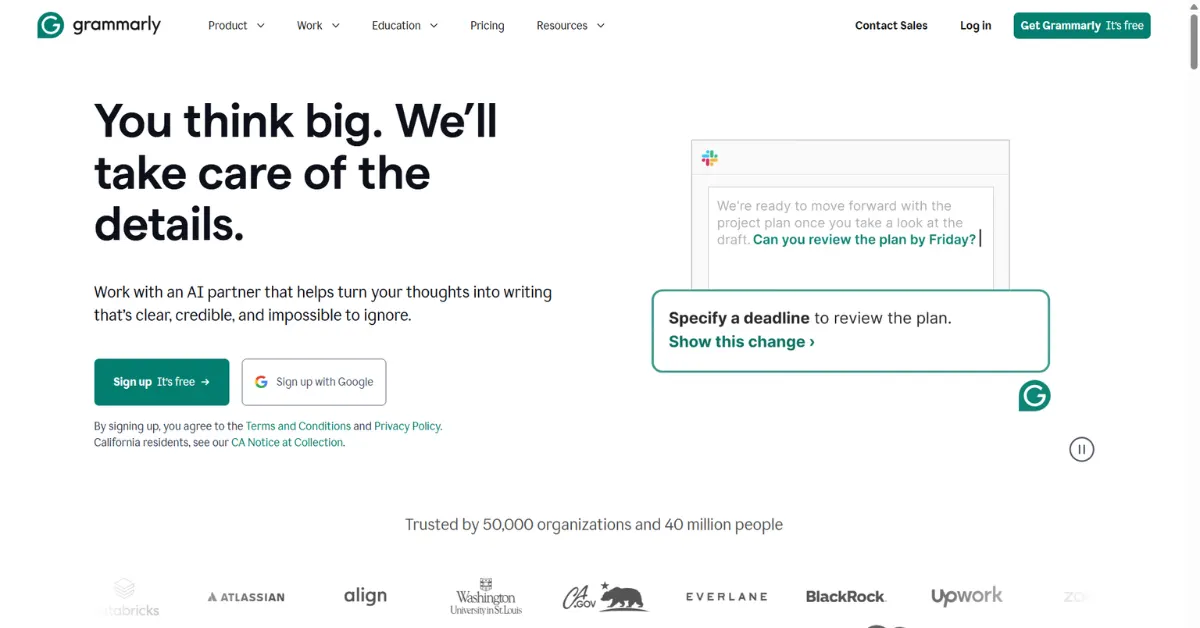
Grammarly is a writing assistant that focuses on grammar, clarity, and tone.
Key features:
- Grammar correction
- Spell checking
- Tone suggestions
- Browser extension
Best for: Editing AI-generated content, emails, academic writing, and professional documents.
How to use:
- Install the extension or use web editor
- Paste your content
- Review suggestions
- Apply edits
Limitations:
- Does not generate content
- Advanced features require payment
8. Wordtune
Wordtune helps rewrite and refine sentences.
Key features:
- Sentence rewriting
- Tone adjustment
- Summarization
- Browser extension
Best for: Improving clarity, rewriting AI drafts, and making content sound natural.
How to use:
- Sign up
- Paste text
- Click rewrite
- Choose best option
Limitations:
- Limited free rewrites
- No content generation
Popular Paid AI Writing Tools
Paid tools offer advanced customization, team collaboration, and higher word limits.
Examples include:
- Jasper AI
- Sudowrite
- Frase
- Surfer AI
- ChatGPT Plus
These tools are best for agencies, professional Ai writers, and large teams.
Tips for Using AI Writing Tools Responsibly
AI writing tools can be incredibly helpful, but they work best when used as assistants, not replacements. Responsible use ensures your content remains accurate, original, and genuinely valuable to readers.
Always Edit AI Output
AI-generated content is only a first draft. It may sound generic, repetitive, or slightly unnatural. Always review the text carefully, refine the language, improve clarity, and adapt it to match your brand voice or personal writing style.
Fact-Check Everything
AI tools do not verify facts. They can produce outdated, incorrect, or even completely made-up information. Before publishing, cross-check important details, statistics, names, and claims using reliable sources.
Avoid Plagiarism
Although AI generates original text, it may unintentionally resemble existing content. Run your drafts through plagiarism checkers and rewrite sections in your own words. This helps maintain originality and protects your credibility.
Add Human Insight
AI lacks real-world experience. Strengthen your content by adding personal insights, practical examples, opinions, or case references. This makes your writing more authentic, trustworthy, and engaging.
Do Not Over-Automate
Relying entirely on AI can result in shallow or low-quality content. Use AI for brainstorming, outlining, and drafting, but keep humans responsible for strategy, storytelling, and final editing.
SEO Best Practices for AI-Generated Content
AI tools can speed up content creation, but search engines still prioritize quality, originality, and usefulness. To make AI-generated content rank well, it must be carefully edited and optimized.
1. Write for People First
Your content should solve real problems and answer real questions. Avoid fluff and make every section meaningful, clear, and actionable.
2. Use Keywords Naturally
Include your main keyword in the title, introduction, headings, and throughout the content. Do not force it. Use variations and related terms for better topical relevance.
3. Add Original Insights
AI cannot replace real experience. Add your own examples, opinions, case references, or industry insights to make your content unique and trustworthy.
4. Improve Structure
Use clear headings, short paragraphs, bullet points, and lists. This makes content easier to read and helps search engines understand it better.
5. Optimize Meta Tags
Write compelling meta titles and descriptions that include keywords and encourage clicks. Do not rely on generic AI-generated metadata.
6. Always Fact-Check
AI can make mistakes. Verify all facts, statistics, and tool features before publishing.
7. Edit for Human Tone
Rewrite robotic or repetitive sentences. Make your content sound natural, friendly, and conversational.
8. Avoid Thin Content
Do not publish low-value or repetitive pages. Each article should offer depth, clarity, and a clear purpose.
Frequently Asked Questions
1. What are AI writing tools, and how do they work?
AI writing tools use machine learning models trained on large text datasets to generate human-like content based on prompts. They help with drafting, editing, summarizing, and brainstorming.
2. Are free AI writing tools good enough for content creation?
Yes, many free and freemium tools offer powerful features for beginners. They are ideal for learning, testing workflows, and creating basic content before investing in paid plans.
3. Can AI writing tools replace human writers?
No. AI tools assist with speed and structure, but they lack creativity, real-world experience, emotional understanding, and strategic thinking that human writers provide.
4. Is AI-generated content safe for SEO?
Yes, if used correctly. AI content must be edited, fact-checked, optimized for keywords, and enriched with original insights to meet Google’s quality and helpful content guidelines.
5. How can I avoid plagiarism when using AI tools?
Always rewrite AI-generated drafts in your own voice, add personal insights, and use plagiarism checkers. Never publish raw AI output without reviewing and customizing it.
6. Which AI writing tool is best for beginners?
ChatGPT, Google Bard, and Rytr are beginner-friendly due to simple interfaces, free access, and flexibility for multiple content types like blogs, emails, and social posts.
7. How do I choose the right AI writing tool for my needs?
Consider your content type, SEO requirements, budget, and workflow. Test free versions first, then upgrade only if you need advanced features or higher usage limits.
Conclusion
AI writing tools have made content creation more accessible, faster, and more efficient. From free tools like ChatGPT and Bard to freemium platforms like Copy.ai and Writesonic, there is something for every type of creator.
The key is to use these tools wisely. Let them handle drafts, ideas, and structure, while you focus on strategy, accuracy, and creativity.
If you want to build a sustainable content strategy that combines AI efficiency with human expertise, professional guidance can make a big difference. At 1solutions, we help businesses create high-quality, SEO-friendly content that actually converts.
If you are ready to scale your content with the right mix of AI and human intelligence, now is the perfect time to get started.













 in India