













































































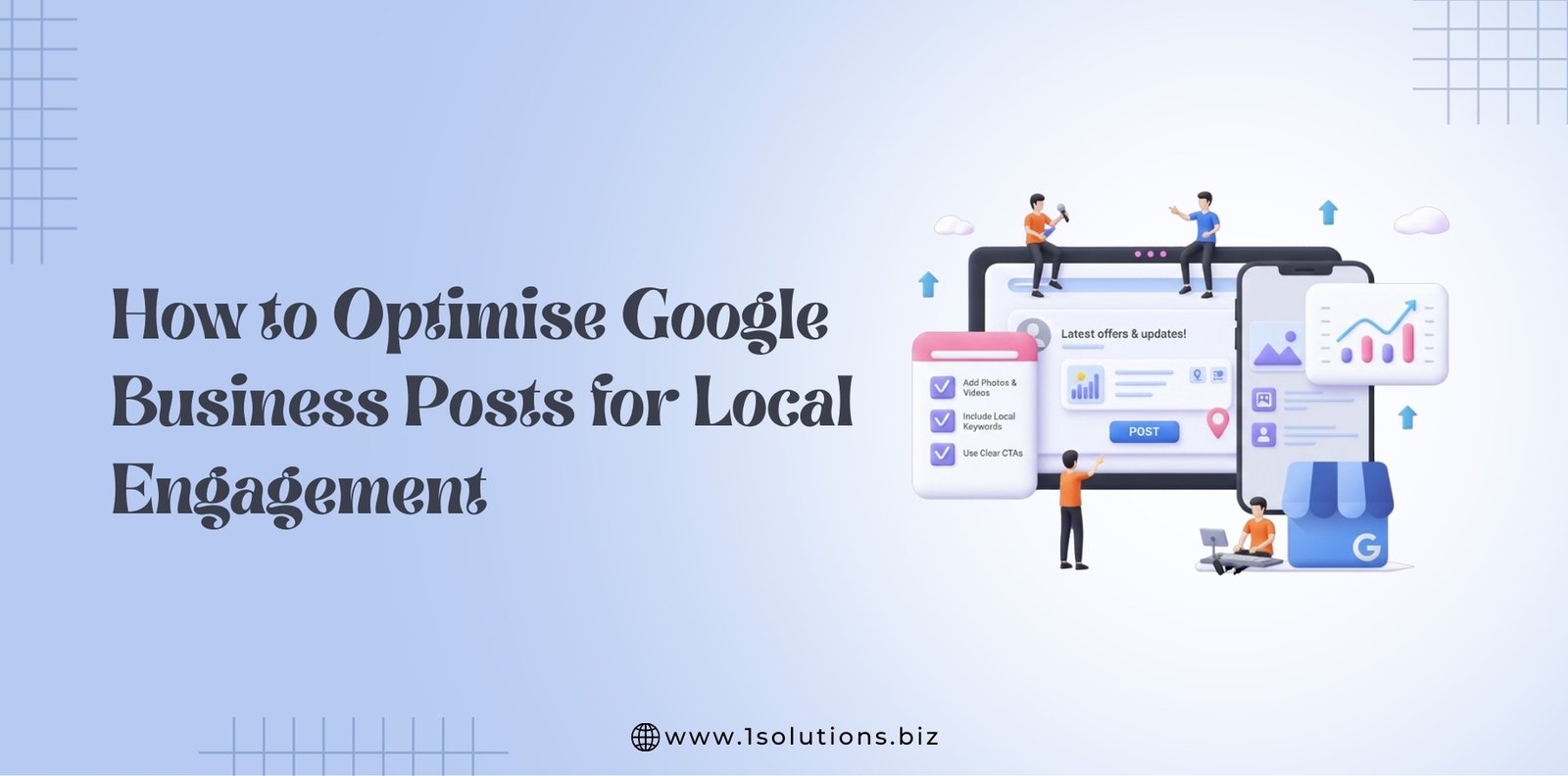
Google Business Posts have become one of the most overlooked yet powerful tools for improving local visibility and customer engagement.
While many businesses focus on their website or their social media presence, the content shared directly through their Google Business Profile often receives far more meaningful visibility. These posts appear directly in search results when people look for your business and can influence decisions at the exact moment customers are ready to take action.
As we move through 2026, Google continues to refine how business posts appear and how they influence engagement. This means that well crafted Google Business Posts may help your business stand out, connect with local audiences, and encourage more visits, calls, and enquiries.
Whether you manage a single location or oversee multiple branches, optimising your Google Business Posts can be a simple way to improve your performance without major investment.
This complete guide will help you understand what is changing in 2026, how to write posts that attract attention, and what strategies may support long term results.
The aim is not only to explain the process but also to encourage a more confident and creative approach that helps your business succeed.
Why Google Business Posts Matter in 2026
Google Business Posts provide a direct communication channel between your business and your local audience.
Unlike social media platforms that rely on algorithms and follower growth, Google displays your posts when users are searching for information that relates to your business. This creates an ideal environment where your content appears when potential customers already show intent.
There are several reasons why these posts hold even greater value in 2026.
1. They enhance your visibility in local search
Google continues to prioritise businesses that are active, responsive, and useful. Fresh posts demonstrate that your profile is well managed, which may support your rankings in the local pack and map results.
2. They influence customer decisions at the right moment
When someone searches for your business or your service category, they may see your posts directly in your profile. This can influence choices such as booking, calling, or visiting.
3. They support your broader SEO efforts
Although posts do not directly influence traditional rankings, they contribute to improved engagement signals. These signals help Google understand that your business is relevant and trustworthy.
4. They encourage interaction from nearby customers
Local customers often look for updates, offers, or upcoming events. Google Business Posts make these updates easy to find without requiring visitors to search through your website.
5. They help maintain consistency across multiple locations
For brands with several branches, posts can maintain a unified message while still allowing tailored updates for each location.
Must Read – Google Maps SEO: How to Rank in the 3-Pack
Types of Google Business Posts You Can Use in 2026
Before learning how to optimise your content, it is useful to understand the types of posts available. Each one has its own purpose and may engage your audience in different ways.
1. Info posts
These provide general updates about your business. They are ideal for announcements, new services, changes in operations, or helpful advice.
2. Offer posts
These share discounts or limited time deals. They are highly effective for driving immediate action because they include start and end dates along with a clear call to action.
3. Event posts
These highlight events such as workshops, launches, community gatherings, or seasonal promotions. They appear with dates, times, and registration details.
4. Product posts
These showcase specific products with descriptions and pricing. They can be used regularly to highlight best sellers or new arrivals.
5. FAQ styled posts
Although not an official category, they answer customer questions directly within search results. Many businesses use this format to address common concerns or explain their services.
Understanding these categories allows you to tailor your content more effectively. The most successful businesses use a mix of post types to keep their profile active and engaging.
How to Write Google Business Posts That Drive Engagement
Creating a post may seem simple, but small changes in structure, tone, or visual content can make an enormous difference to how users respond. The following best practices may guide you in writing posts that attract attention and inspire action.
1. Start with a clear purpose
Before writing, decide what you want the post to achieve. Your purpose may be to:
- inform customers about an update
- promote an offer
- highlight a new product
- invite people to an event
- answer a question that customers often ask
Starting with a purpose helps you create content that is clear and valuable.
2. Keep the text concise and readable
Posts should be brief and easy to understand at a glance. Many users skim through them quickly, so it is important to write sentences that are clear and free from unnecessary complexity.
Aim for:
- short paragraphs
- direct sentences
- friendly and supportive language
Remember that Google often shows only the first part of your post, so make your opening line engaging.
3. Focus on local relevance
Google rewards content that shows strong local intent. You may use your city name, community references, or local events if they support your message. For example:
“We are hosting a free consultation day at our Liverpool store for anyone who wants help choosing a new device.”
Local context helps your audience feel connected.
4. Add strong calls to action
Every post should include a clear next step. Calls to action may include:
- Learn more
- Book now
- Call today
- Visit us
- Reserve your place
- View our menu
- Claim this offer
Calls to action guide the reader’s behaviour and help you achieve measurable engagement.
Must Read – Google Business Profile Optimization Checklist for Multi-Location Businesses
5. Use high quality images
Posts with images receive far more clicks than text only posts. Use photographs or graphics that are bright, clear, and relevant to the message. Avoid low resolution or overly busy designs.
Good examples include:
- product images
- team photos
- behind the scenes images
- event banners
- simple graphics announcing offers
Images help your post stand out in search results.
6. Maintain consistency in branding
Customers should recognise your brand immediately when they view your content. Try to maintain:
- similar colours
- similar tone of voice
- similar message style
- consistent formatting
This helps build trust and recognition across all your digital profiles.
7. Include useful keywords naturally
Keywords help Google understand the context of your post. For example:
- plumber in Manchester
- family cafe in Brighton
- dental clinic in Birmingham
- SEO company in Burlington
Use your keywords naturally within sentences so the content remains easy to read.
8. Update posts frequently
Posts expire after a week or so, depending on the type. Publishing updates regularly keeps your profile fresh and signals reliability. Consistency is more important than volume. One or two good posts each week may be enough for most businesses.
Advanced Strategies to Improve Local Engagement
Once you are comfortable with the basics, you can use more advanced methods to enhance your engagement. These strategies may help drive stronger results and create deeper connections with your audience.
1. Tailor posts for each location
If you manage several branches, avoid copying the same content everywhere. Local audiences respond better to information that feels personal and specific.
For example:
- local store events
- city specific offers
- images of the local team
- updated hours for each branch
Tailoring content helps build stronger local relationships.
2. Use seasonal and cultural moments
Posts that align with moments such as New Year, Valentine Day, school holidays, or local festivals tend to attract higher engagement. These posts feel timely and relevant.
For example:
“We are offering a spring clean package throughout April for customers in the Chester area.”
These moments create natural opportunities for connection.
3. Share behind the scenes content
Customers enjoy learning about the people behind the brand. This type of content may include:
- team introductions
- work processes
- community involvement
- highlights from daily life in the business
These posts build trust and make your brand feel more relatable.
4. Promote limited time offers to encourage quick action
Google posts that include deadlines or specific dates often perform well because they create a sense of urgency. Offer posts work especially well for this purpose.
E.g- Christmas SEO Offer
5. Encourage engagement through questions
You may invite users to interact by asking simple questions such as:
“What is your favourite item on our new menu”
or
“What service would you like us to add next”
You may not receive direct replies through the post, but these questions encourage curiosity and keep viewers engaged.
6. Highlight reviews through posts
You may create posts that feature positive customer feedback. This strengthens trust and helps new customers feel confident in choosing your business.
Example:
“Thank you to Sarah from Leeds for your kind words about our installation team.”
This approach combines reputation management with promotional content.
7. Share articles or helpful tips
Not every post needs to promote a service. Informative posts often build long term loyalty.
Examples:
- advice for maintaining equipment
- guidance on choosing the right product
- tips for first time customers
Educational content positions your business as a supportive and knowledgeable partner.
How to Measure the Performance of Your Google Business Posts
Monitoring the performance of your posts helps you understand what works well and what may need improvement. Google provides built in insights for each post, which you can find in your profile dashboard.
The metrics to watch include:
1. Views
How many times the post has appeared in search results.
2. Clicks
How many users clicked your call to action or link.
3. Interactions
A general measure of engagement, depending on the type of post.
4. Direction requests
Useful for physical stores that depend on foot traffic.
5. Phone calls
If users call directly from the post, this is a strong indicator of interest.
Compare different types of posts to learn which formats gain the most attention. For example, you may discover that offers perform well on weekends or that events attract greater engagement in the summer.
How Google Algorithm Updates Influence Posts in 2026
Google regularly adjusts how business information is displayed. In 2026, there are several trends that may shape your approach to posts.
1. Greater focus on content quality
Google continues to prioritise well written, helpful content. Posts that include clear value for the customer are more likely to be displayed prominently.
2. Expanded emphasis on visual elements
Images are becoming more important as Google adds more visual displays in local search results.
3. Stronger connection to local intent
Posts that reference the city, region, or community may perform better.
4. More importance placed on business activity
Regular posting helps Google understand that your profile is active and well maintained.
These trends suggest that businesses who invest time in creating thoughtful and beneficial content may find themselves ahead of competitors.
Must Read- How to Handle Suspended or Removed Google My Business Listings
Common Mistakes to Avoid When Creating Google Business Posts
Avoiding common mistakes may help you maintain a strong and consistent presence. Some errors reduce engagement or may even cause confusion for your customers.
1. Posting content that is too long
Users glance at posts quickly. Long paragraphs may discourage engagement.
2. Using unclear or vague calls to action
Customers should understand exactly what you want them to do next.
3. Reusing the same post endlessly
Repeated content may appear stale and uninviting.
4. Ignoring local context
Local customers respond better to content that reflects their surroundings and needs.
5. including low quality images
Blurry or poorly lit images can harm your brand perception.
6. Posting inconsistently
Irregular posting may weaken your visibility. Consistency is more important than frequency.
Learning from these common mistakes can lead to stronger and more successful posts.
How Multi Location Businesses Can Maximise Results
If your business has several locations, you can still use posts effectively. The key is to balance brand consistency with local relevance.
1. Create a central brand message
Your brand tone should remain consistent across all posts.
2. Allow each location to customise its content
Local teams understand their community best.
3. Monitor performance across all locations
Some branches may require more support based on local behaviour.
4. Offer shared templates for staff
Templates help maintain quality while encouraging participation.
5. Regularly review posts for accuracy
This ensures consistency and avoids confusion.
These strategies help multi location businesses maintain control while still enabling creativity.
Must Read – How to Manage Multiple Google Business Listings Across Different Locations
When to Seek Professional Assistance
Although many businesses manage their own posts successfully, there may be times when support from professionals is helpful. For example:
- when you have many locations
- when you want a long term local SEO strategy
- when you need regular high quality content
- when your insights show poor engagement
- when you are new to Google Business optimisation
Our expert team at 1Solutions offers content planning, posting, and reporting services that may help you save time and achieve more meaningful results.
Final Thoughts
Google Business Posts provide an easy and effective way to communicate with local customers. They appear at the exact moment when potential customers are searching for information, which makes them one of the most valuable tools in your local marketing strategy.
By creating posts that are clear, useful, visually appealing, and tailored to your local audience, you may improve your engagement and help your business stand out in search results. Regular updates and thoughtful content encourage trust and open the door for new connections.
Whether you manage one location or many, adopting a strategic and consistent approach to Google Business Posts in 2026 can help build visibility, credibility, and long term success.
If you would like help managing your Google Business Profile content or improving local engagement, the team at 1Solutions is always ready to support you.









 in India